
How to sign out of SupportPages.io
Updated about 2 months ago
Browse All
Signing out revokes this computer's SupportPages.io device token and clears the credential saved on it. Handy when you're leaving a machine behind, or just tidying up after yourself.
Before you start
-
You've signed in on this computer at least once with
wtfm login. - You have a terminal window open.
Steps
Sign out on this computer
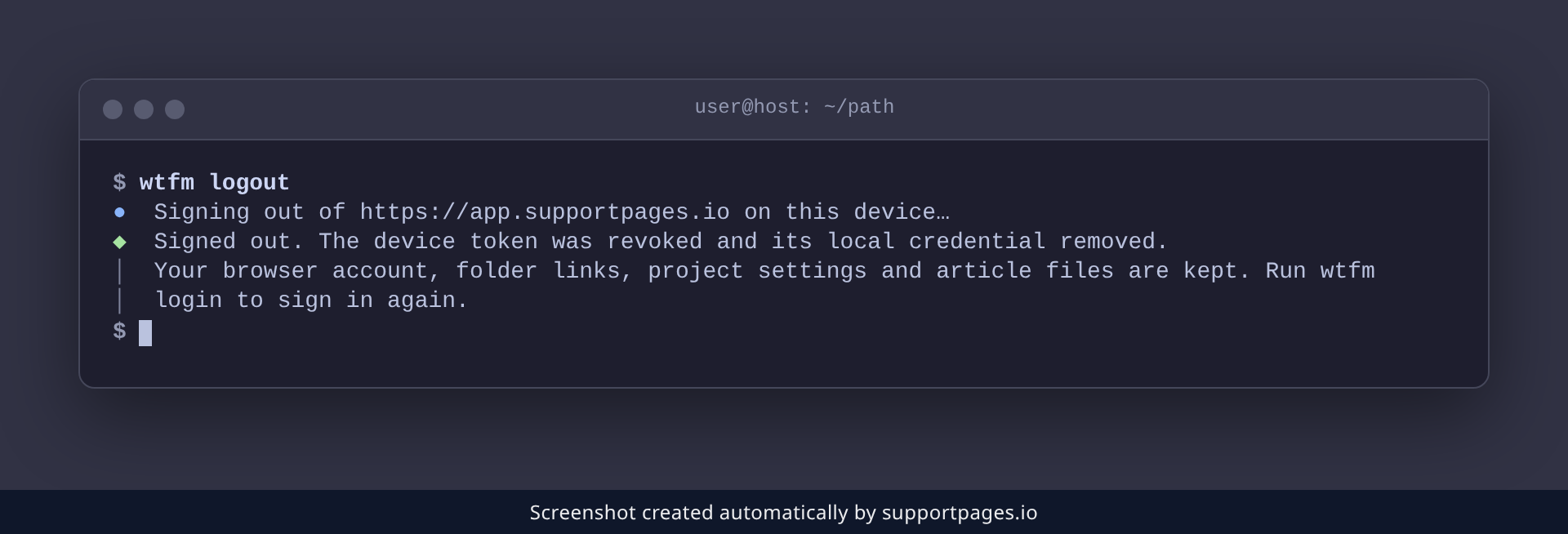
In your terminal, run:
wtfm logout
SupportPages Writer revokes the device token, removes the saved credential, and tells you it's done. Your account, folder links, project settings, and article files are all kept — only this computer's access goes away.
Good to know
-
Running
wtfm logoutagain is harmless — it simply reports that this device is already signed out. -
To switch accounts, sign out with
wtfm logoutfirst, then sign in as the other account withwtfm login. - If signing out can't reach the server, revoke the token yourself under Settings → Local publishing tokens on SupportPages.io.
Summary
Run wtfm logout to revoke this computer's token and clear its saved credential. Your projects and articles stay put, and wtfm login signs you back in whenever you're ready.
Was this article helpful?
Built on supportpages.io — automated help articles for SaaS products.
Have a question?
Search our articles, or ask and get an answer straight away.