
How to run project analysis
Updated about 2 months ago
Browse All
Every guide WTFM writes starts from one thing: a map of your product. Project analysis builds that map — the screens, styles and branding of your app — so you run it once per project before you ask for any articles.
Before you start
-
SupportPages Writer set up on this computer (run
wtfm setuponce if you haven't). -
This project set up with
wtfm init, so WTFM knows where its articles go. - Git and your coding agent — Claude Code or Codex — available in your terminal.
Steps
Run the analysis
Open a terminal in your project folder and run:
wtfm analyse
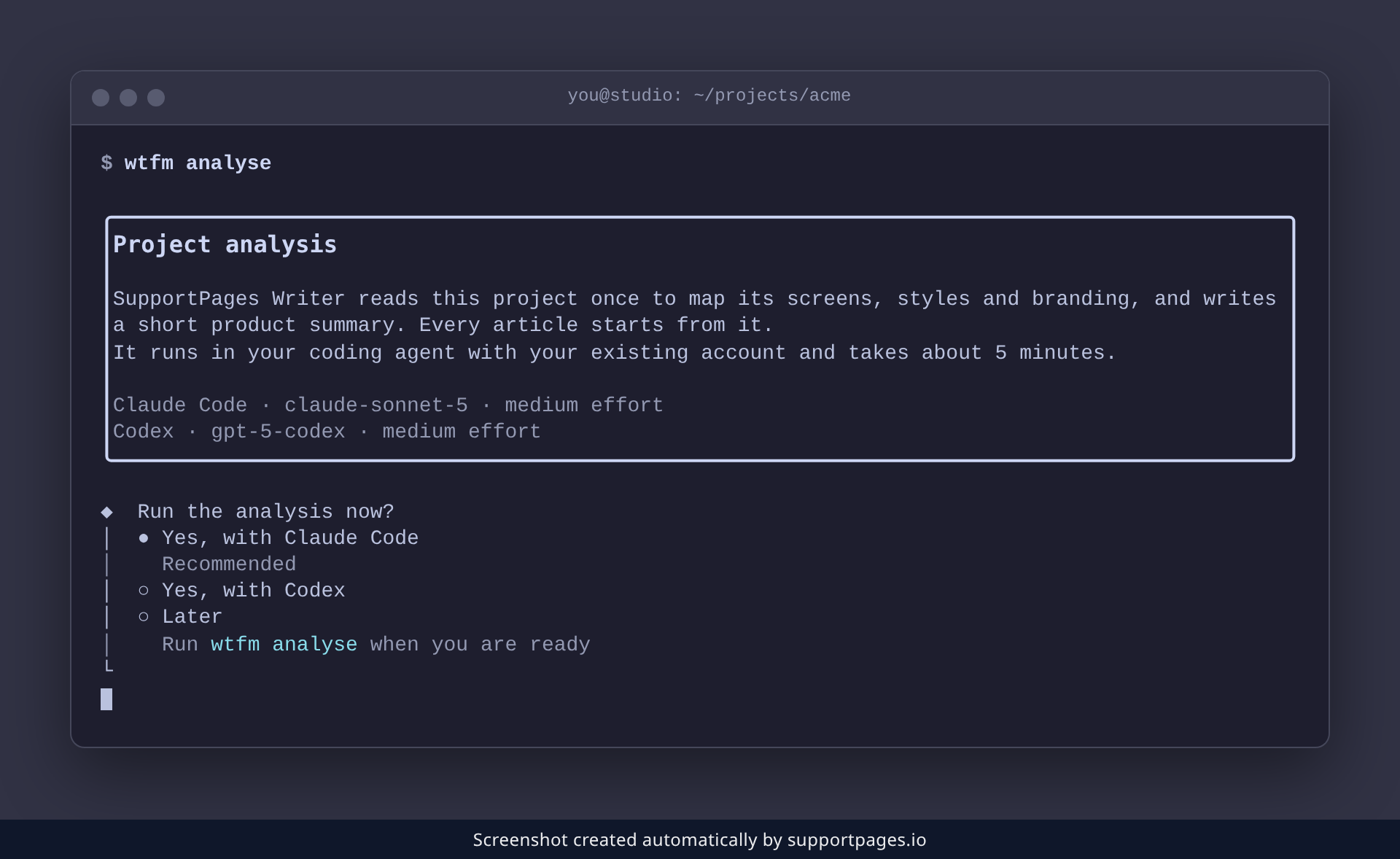
WTFM reads the project once with your coding agent to map its screens, styles and branding, and writes a short product summary. It takes about 5 minutes.
Confirm the run
WTFM shows a Project analysis note explaining what it is about to do, then asks whether to start now. Accept the prompt to run it straight away with Claude Code, or choose Later to come back to it — nothing is lost either way.
Check the result
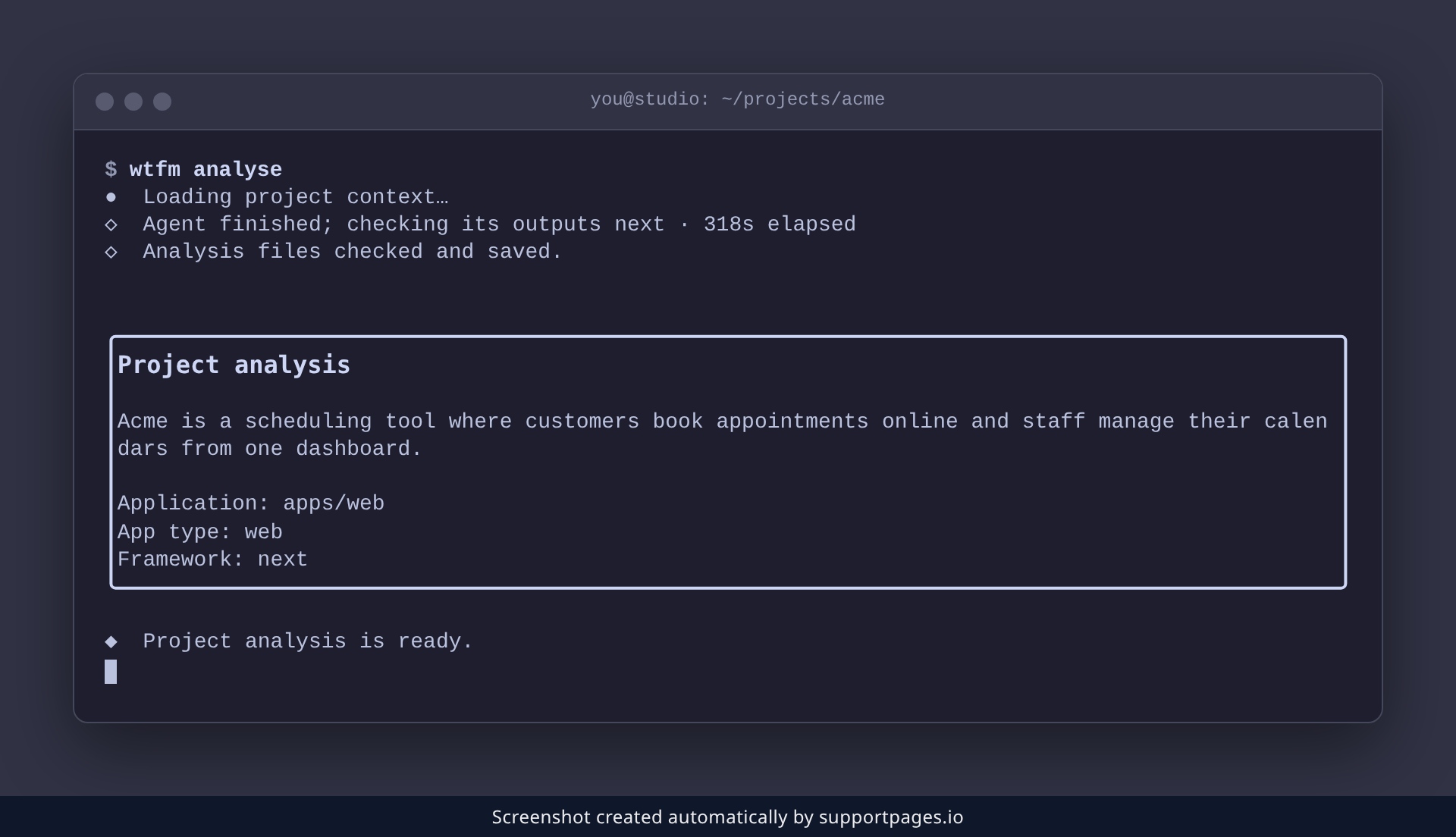
When the run finishes, WTFM prints a Project analysis summary listing the Application, App type and Framework it found, then confirms Project analysis is ready. That's it — your project is mapped and ready for articles.
Tips
- If your checkout has changed since the last run, WTFM asks whether to refresh the analysis — accept to remap the project.
-
Run
wtfm analyse --refreshany time to redo the analysis, for example after a big change to your interface. -
wtfm initoffers the same analysis while it sets a project up, so a brand-new project may already be analysed. -
Chose Later? Run
wtfm analysewhenever you're ready — articles need the analysis first.
Summary
Project analysis maps your product once, from your real source, so every guide that follows is grounded in it. Run wtfm analyse, confirm the prompt, and you're ready to write.
Was this article helpful?
Maintained by supportpages.io, a self-updating help centre for SaaS teams.
Have a question?
Search our articles, or ask and get an answer straight away.