
How to forget a project's setup
Updated about 2 months ago
Browse All
Set up WTFM in a folder you don't want it in any more, or just want a clean start? One command forgets this folder's setup — and your old setup is archived rather than deleted, so you can bring it back if you change your mind.
Before you start
- A terminal open in the folder whose setup you want to forget.
- That folder already set up with WTFM.
- No project analysis running in that folder.
Steps
Forget the folder's setup
In your project folder, run:
wtfm uninit
WTFM lists everything it's about to forget and asks you to confirm before it changes anything.
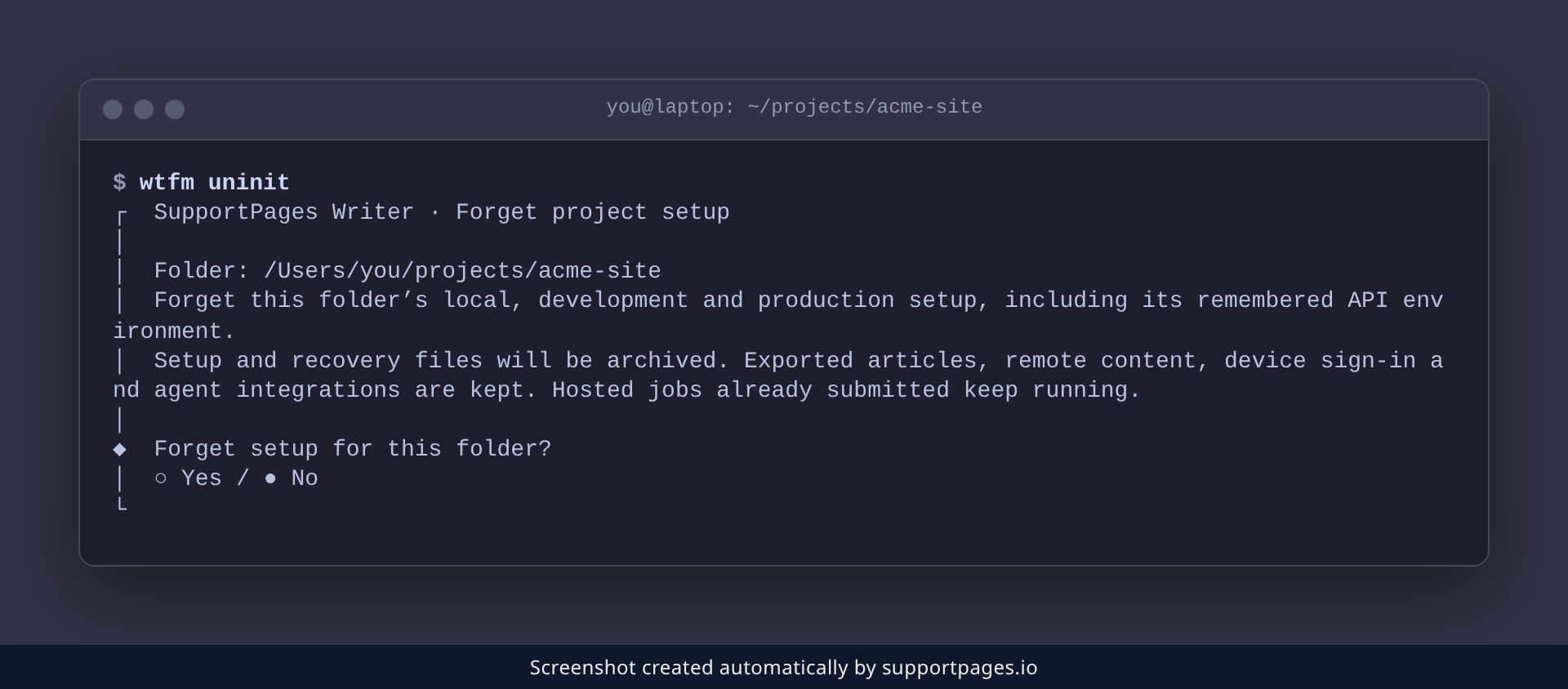
Keep your recovery files
When it's done, WTFM removes this folder's setup and prints the path to the archived files. Jot that path down — it's how you'd bring the setup back later. Run wtfm init whenever you want to set the folder up again.
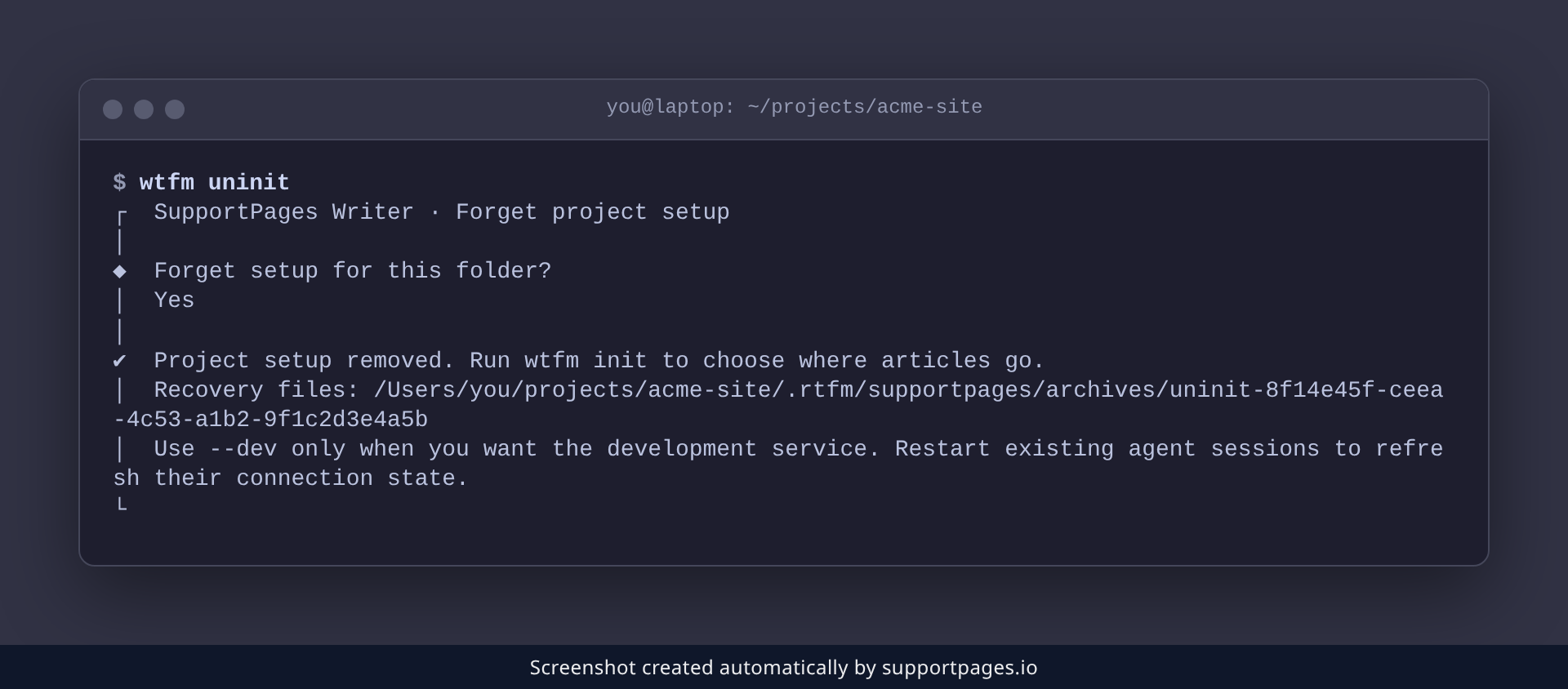
Good to know
- Exported articles, remote content, your device sign-in and agent integrations are all kept.
- Analysis and publishing jobs you already submitted keep running.
- Restart any open coding-agent sessions so they pick up the change.
-
In a script? Add
--yesto skip the confirmation prompt.
Summary
That's the folder forgotten, with your old setup safely archived. Run wtfm init there whenever you're ready to start fresh.
Was this article helpful?
Built on supportpages.io — automated help articles for SaaS products.
Have a question?
Search our articles, or ask and get an answer straight away.