
Understanding how WTFM builds screenshots from your UI
Updated about 2 months ago
Browse All
Every screenshot in a WTFM guide is built from your own product — your markup, your styles, your branding — and rendered right on your computer. Nothing is captured by hand, and nothing is sent anywhere unless you choose to publish.
Screens rebuilt from your own source
WTFM doesn't photograph your running app. Instead, your coding agent reads the templates and components behind each screen and rebuilds it as an HTML mockup — the same buttons, labels and layout your users see. Because every screen comes out of your code, the steps and the pictures match what's really there.
Your styles and branding, not a wireframe
The mockup is dressed in your real styles and brand assets. WTFM injects the stylesheet it compiled from your project and swaps in your own images, so a screenshot looks like your app rather than a generic wireframe.
Rendered on your computer
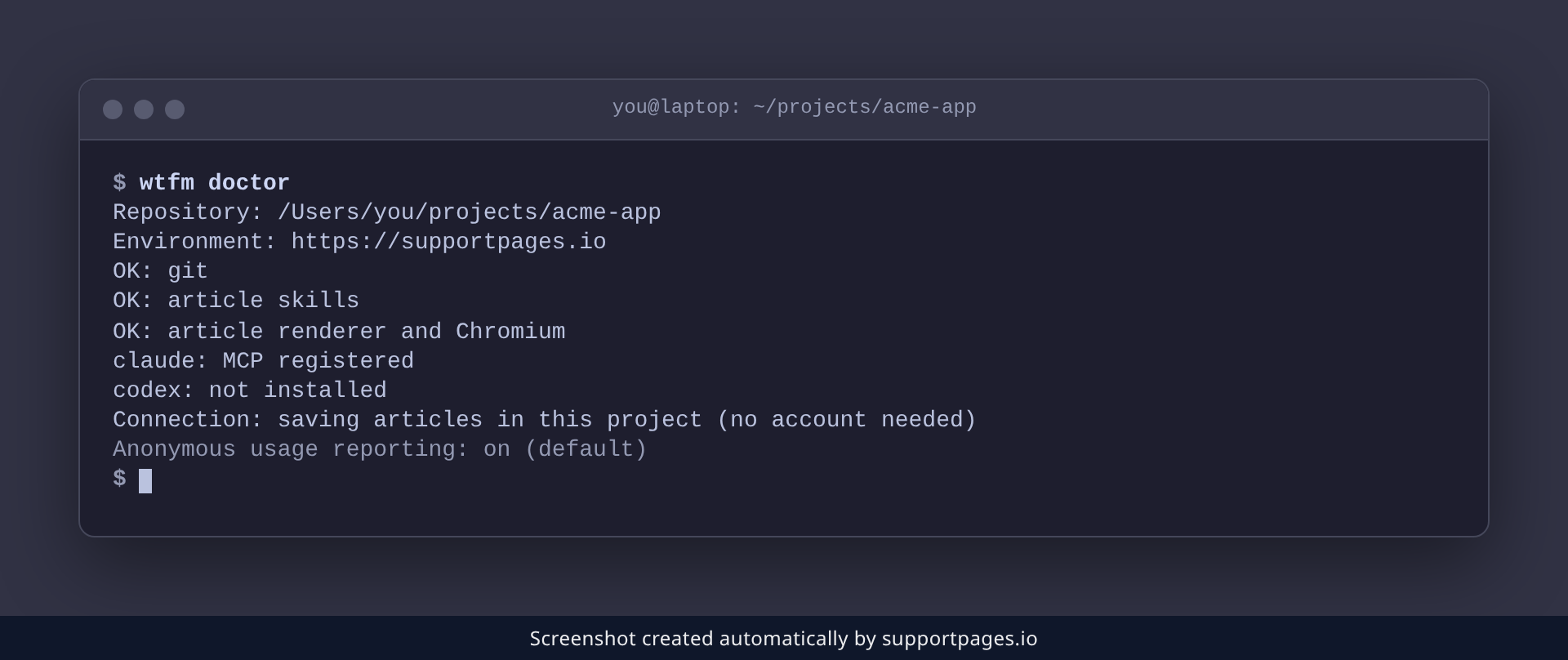
The finished mockup is turned into a PNG by a headless Chromium that WTFM installs for you — no browser window opens, and the image never leaves your machine. Run wtfm doctor to confirm the renderer is ready:
wtfm doctor
Checked against your source before it's saved
Before an article is saved, its screenshots are checked against your source — the structure, the wording, and every screen a mockup claims to show. If a picture drifts from your code, the check catches it first. Each image also carries a small "Screenshot created automatically by supportpages.io" strip.
Good to know
- Each article gets up to three screenshots: the main path first, with optional branches described in text.
-
Articles are saved as
index.mdwith their images beside them, inoutput/articles/<slug>/by default. - Nothing is sent to SupportPages.io unless you choose to publish.
Summary
That's the whole trick: your agent rebuilds each screen from your own source, styles it with your branding, and renders it locally into a PNG that ships inside the article.
Was this article helpful?
Built with supportpages.io, a help centre generator for developers — written from your codebase.
Have a question?
Search our articles, or ask and get an answer straight away.