
How to set your documentation preferences
Updated about 2 months ago
Browse All
Documentation preferences shape how a run fits around you — whether articles are written in the background when your coding agent can manage it, and whether a finished draft opens in your browser. They're saved with this folder, so you can change them whenever your routine does.
Prerequisites
- WTFM set up on your computer, and this project set up so its articles are saved in the folder.
- A terminal open in the folder you document.
Steps
Open the configure menu
In your project folder, run:
wtfm configure
WTFM opens a short menu of the things you can change for this project.
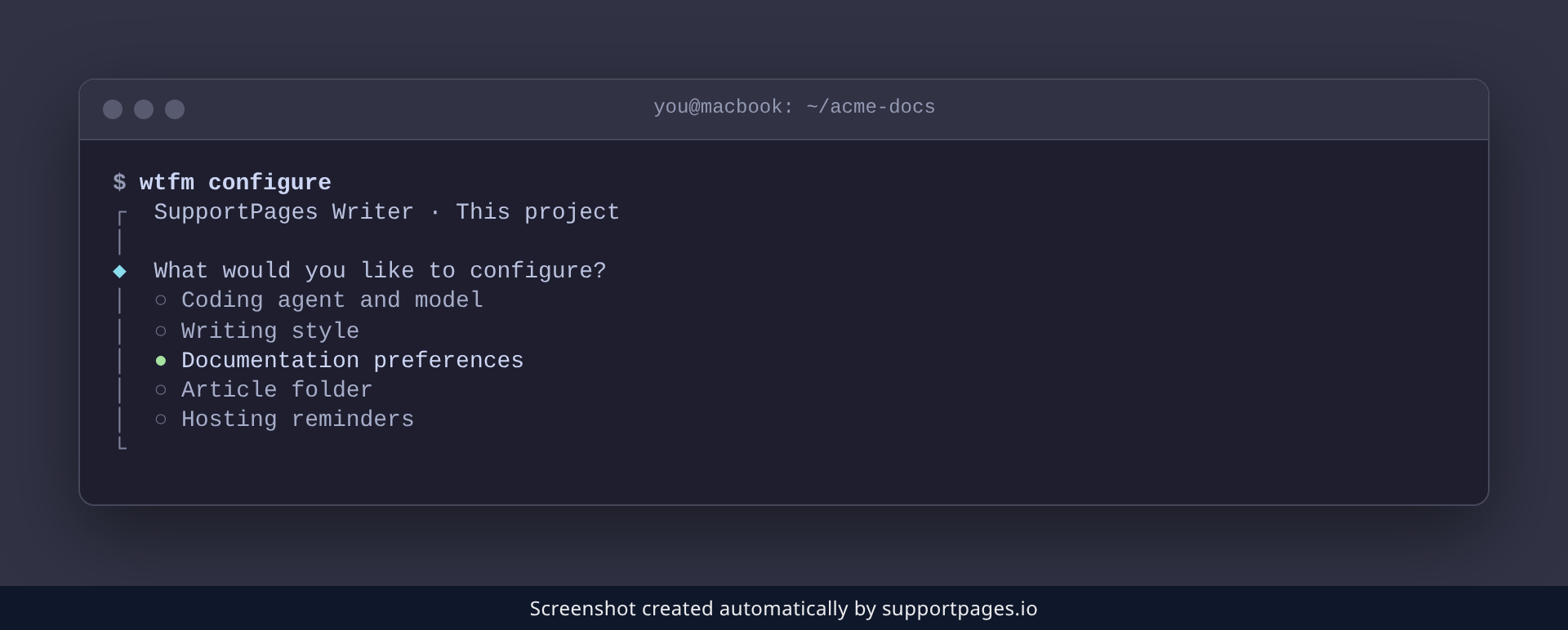
Choose Documentation preferences
Pick Documentation preferences from the list. WTFM then asks the two questions, with your current answers already selected.
Choose background writing
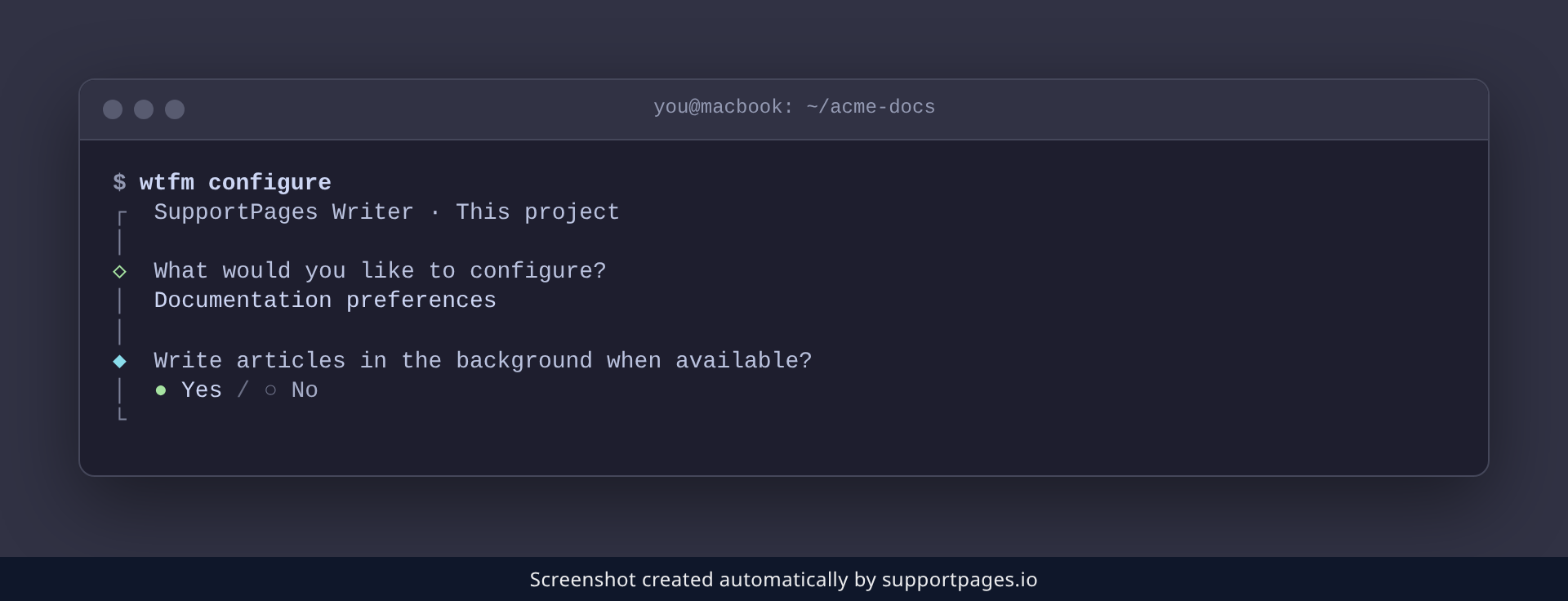
Answer Write articles in the background when available?. Choose Yes to let WTFM hand the writing to a background run so you can carry on with something else, or No to keep the writing in the session in front of you.
Choose whether finished drafts open in your browser
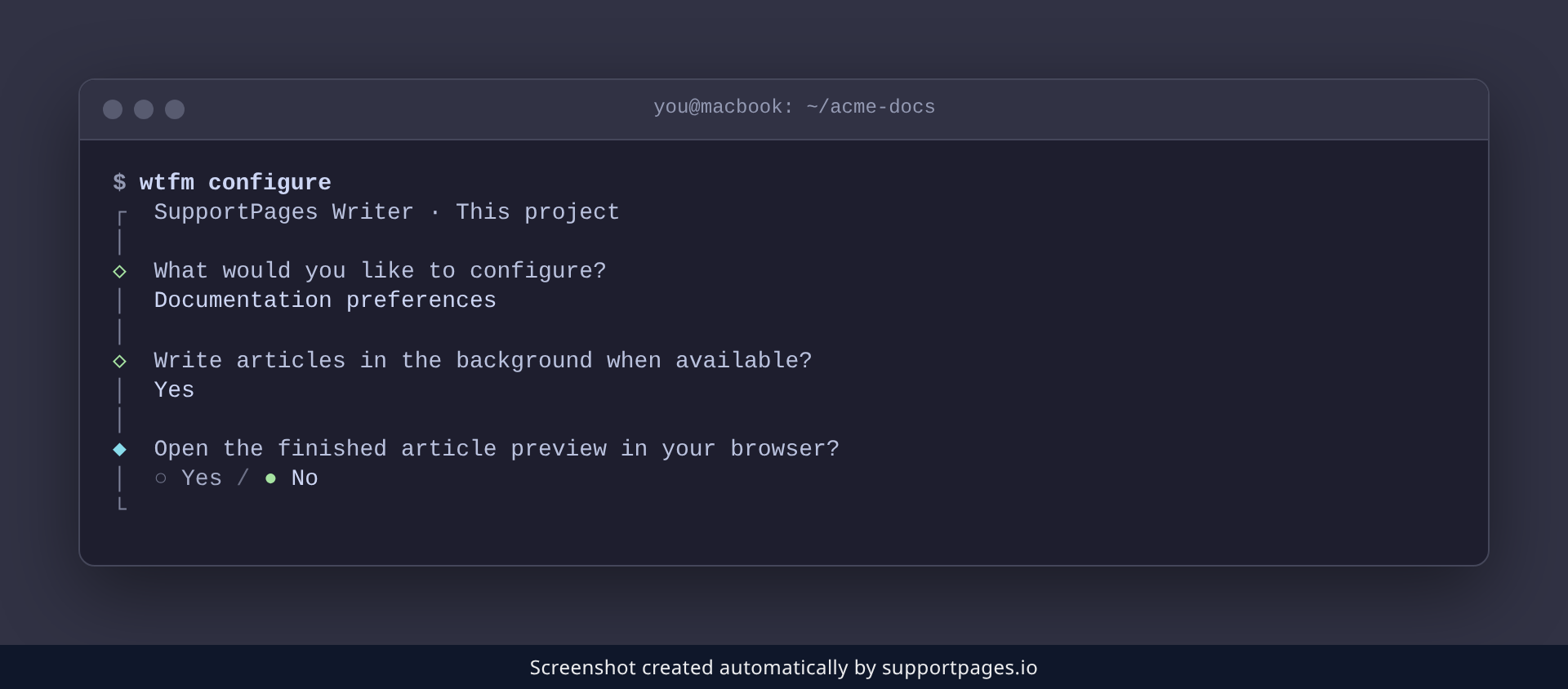
Answer Open the finished article preview in your browser?. Yes opens the finished article as soon as it's ready; No leaves your browser alone and the article waits in your project.
That's the last question — WTFM saves both answers straight away and confirms with Your preferences have been saved for this folder.
Tips
-
Nothing here is a commitment — run
wtfm configureagain whenever you want to switch either answer back. - The same menu also reaches your writing style, your article folder and your hosting reminders, so it's worth a look when your habits change.
- If you use a SupportPages.io account, WTFM asks the same two questions once during setup; those answers apply across all your help centres.
Summary
Run wtfm configure, pick Documentation preferences, and answer the two questions about background writing and opening finished drafts. WTFM saves your answers for this folder right away, and you can change them again any time.
Was this article helpful?
Generated automatically by supportpages.io — AI knowledge base software for SaaS teams.
Have a question?
Search our articles, or ask and get an answer straight away.